¶ Split dropdown
This plugin allows you to split a dropdown into multiple dropdowns based on the level of splitting you want.
¶ Installation
Installing this plugin is done following the standard process for itsm plugins, simply clone the git repository or download a release and place it within ITSM plugins folder.
Unzip the plugin archive, set Apache rights and enjoy !
¶ Usage
Go to Configuration > Plugins and click on Split dropdown to access the configuration.
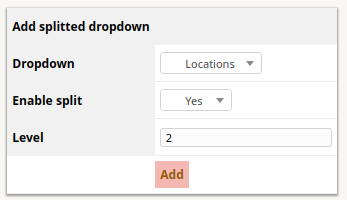
- Dropdown : select the dropdown to split (ITIL Categories / Locations)
- Enable split : Enable or disable splitting
- Level : splitting level
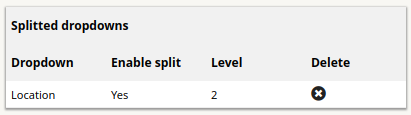
The splitting dropdown list is displayed below.
When you add a new enabled splitted dropdown, a preview is displayed for you to test the dropdown split.
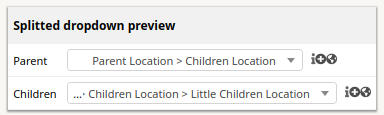
Note : a splitted dropdown is updated when you added the same dropdown type.