¶ ITSM-NG installation
¶ Prerequisites
To allow the installation of ITSM-NG, it is necessary to have a Linux or Windows server with the following services installed and configured :
- Apache, Nginx, ISS, etc
- MariaDB >= 10.X or MySQL >= 5.7
- PHP 7.2 or newer
Note on PHP : version 8.X is recommended as PHP 7.X is no longer supported by PHP.
See https://www.php.net/supported-versions.php for more information.
Here is the list of required PHP extensions for ITSM-NG :
- php-ctype
- php-curl
- php-gd
- php-iconv
- php-intl
- php-json
- php-mbstring
- php-mysqli
- php-simplexml
- php-zlib
The following PHP extensions are optional :
- php-exif
- php-imap
- php-ldap
- php-sodium
- php-zip and php-bz2
- php-apcu
- php-opcache
- php-xmlrpc
¶ Download
Download the version of your choice at the following link : https://github.com/itsmng/itsm-ng/releases
However, we recommend using the latest version available.
Note : Dev and nightly versions will be available shortly for those wishing to test the latest features of ITSM-NG.
¶ Pre installation
First step, connect to MySQL and create a database for ITSM-NG.
CREATE DATABASE itsmng;
Then, create a user and configure the appropriate rights.
CREATE USER 'itsmng'@'localhost' IDENTIFIED BY 'itsmng';
GRANT ALL PRIVILEGES ON itsmng.* TO itsmng@localhost;
FLUSH PRIVILEGES;
Next, uncompress the ITSM-NG release.
There are two ways to install ITSM-NG :
¶ Web installation
Go to http://localhost/itsm-ng and follow the next steps.

Select the default language and click on OK.

Accept the license and click on Continue.
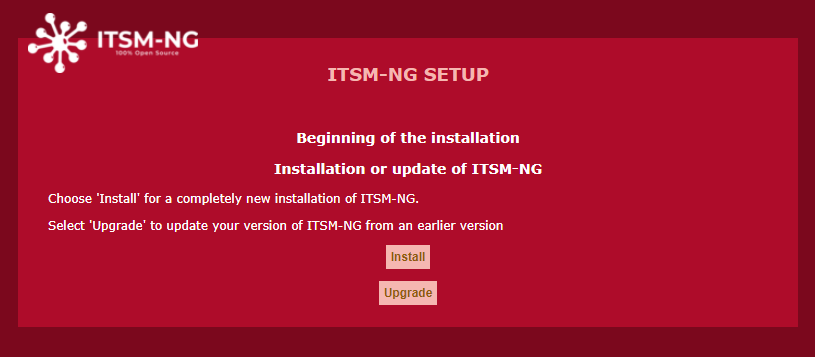
Click on Install to run the installation steps.
Note : please read the Update documentation to update from an old ITSM-NG version or to migrate GLPI to ITSM-NG.
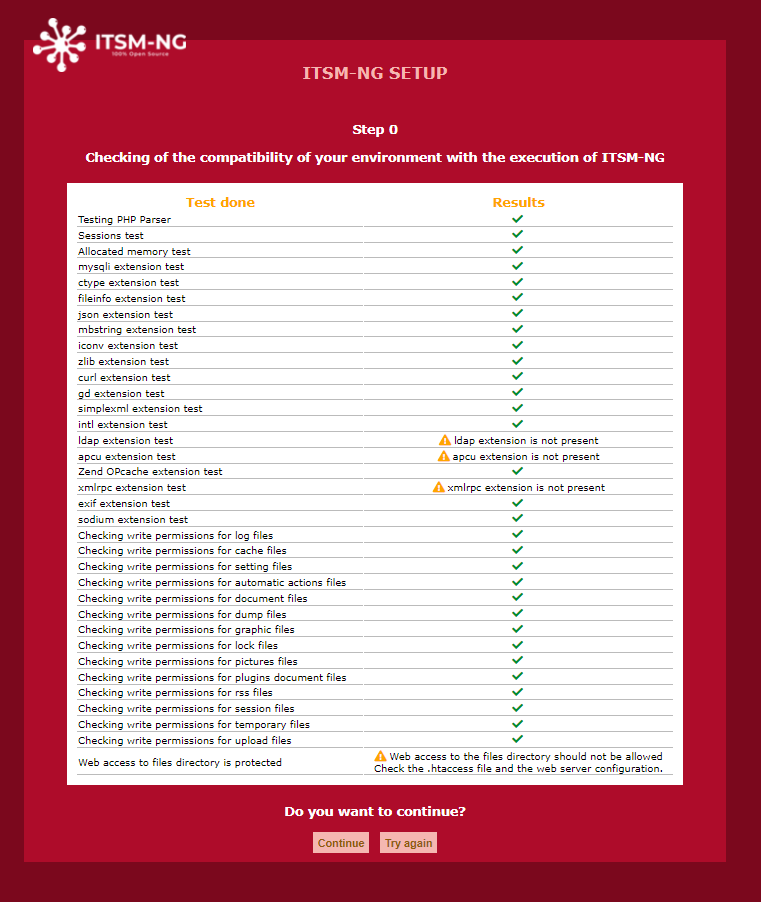
Before configuration, a verification of the required libraries is carried out. If everything is OK, click on Continue otherwise install the missing libraries and click on Try again.
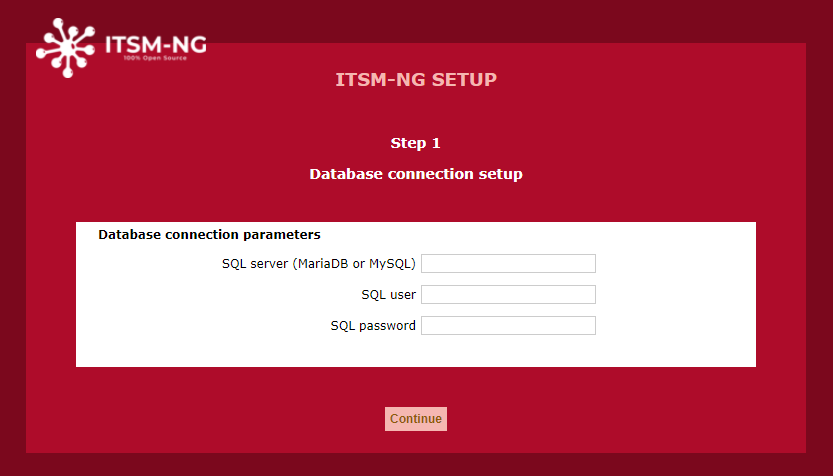
Set the MySQL configuration and click on Continue.
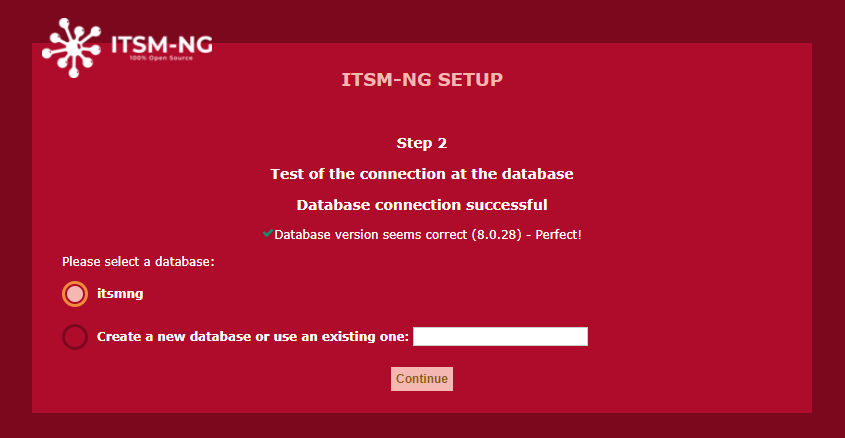
Select the database and click on Continue.
Note : to create a new database from the interface, the MySQL user entered in the previous step must have the rights to create one.
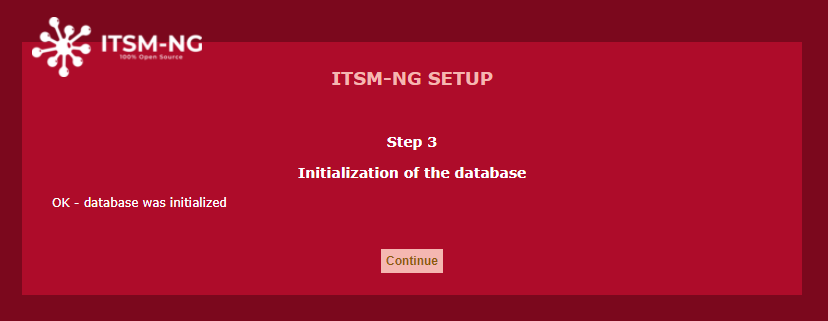
After the database initialization, click on Continue.
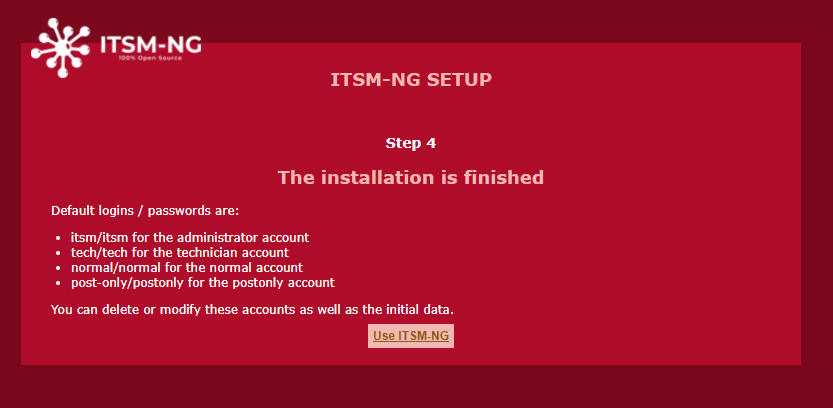
Now, you can connect to ITSM-NG with the default user itsm/itsm.
Enjoy ITSM-NG 
¶ Command line installation
Go to the ITSM-NG release folder.
Before installation, run the next command to check system requirements :
php bin/console itsmng:system:check_requirements
Result :
| Requirement | Status | Messages |
|---|---|---|
| Testing PHP Parser | [OK] | |
| Sessions test | [OK] | |
| Allocated memory test | [OK] | |
| mysqli extension test | [OK] | |
| ctype extension test | [OK] | |
| fileinfo extension test | [OK] | |
| json extension test | [OK] | |
| mbstring extension test | [OK] | |
| iconv extension test | [OK] | |
| zlib extension test | [OK] | |
| curl extension test | [OK] | |
| gd extension test | [OK] | |
| simplexml extension test | [OK] | |
| intl extension test | [OK] | |
| ldap extension test | [WARNING] | ldap extension is not present |
| apcu extension test | [WARNING] | apcu extension is not present |
| Zend OPcache extension test | [OK] | |
| xmlrpc extension test | [WARNING] | xmlrpc extension is not present |
| exif extension test | [OK] | |
| sodium extension test | [OK] | |
| Testing DB engine version | [OK] | |
| Testing DB timezone data | [WARNING] | Access to timezone database (mysql) is not allowed. |
| Checking write permissions for log files | [OK] | |
| Checking write permissions for cache files | [OK] | |
| Checking write permissions for setting files | [OK] | |
| Checking write permissions for automatic actions files | [OK] | |
| Checking write permissions for document files | [OK] | |
| Checking write permissions for dump files | [OK] | |
| Checking write permissions for graphic files | [OK] | |
| Checking write permissions for lock files | [OK] | |
| Checking write permissions for pictures files | [OK] | |
| Checking write permissions for plugins document files | [OK] | |
| Checking write permissions for rss files | [OK] | |
| Checking write permissions for session files | [OK] | |
| Checking write permissions for temporary files | [OK] | |
| Checking write permissions for upload files | [OK] |
[OK] => Library installed
[WARNING] => Library not installed but optional
[ERROR] => Required library not installed
If no ERROR status, run the next command :
php bin/console itsmng:database:install -H DB_HOST -u DB_USER -p DB_PASSWORD -d DB_NAME
Result :
+---------------+------------+
| Database host | DB_HOST    |
| Database name | DB_NAME    |
| Database user | DB_USER    |
+---------------+------------+
Do you want to continue ? [Yes/no] yes
Installation done.
After the installation, you need to update the permission on the folder files :
sudo chown -R www-data: files
Now, you can connect to ITSM-NG at http://localhost/itsm-ng with the default user itsm/itsm.
Enjoy ITSM-NG